











Signing in is what turns a browsing session into an actual betting account. Until you log in, you can look at odds, scroll through markets and open the casino lobby, but you cannot place a bet, deposit through a mobile wallet or check a settled slip. The SlotPesa login form is the gate between the public site and your personal balance, bet history and withdrawal settings.
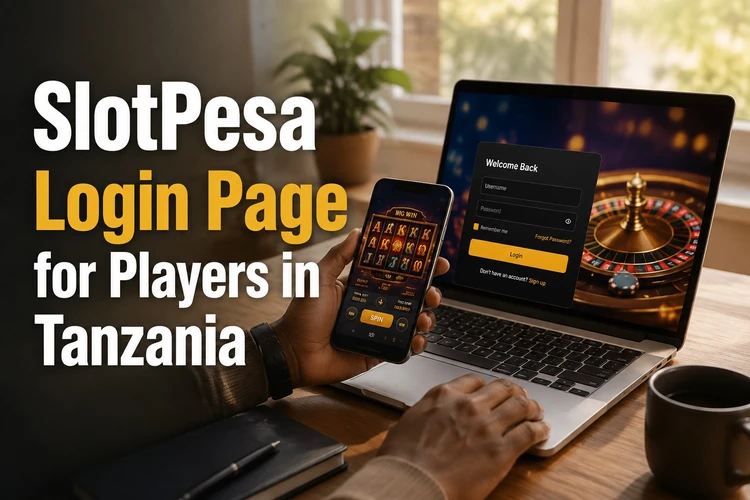
Accounts are open to adults aged 18+ who reside in Tanzania and hold a local phone number. One person should keep one profile; duplicate accounts may be blocked during verification, and payouts are generally sent only to a wallet or bank detail that matches the registered name. Keep that in mind before creating another profile for a friend or family member.
SlotPesa Login
The sign-in form sits in the top corner of every page on the desktop site and behind the menu icon on a phone. It asks for two things: the phone number you registered with, written in the local format without the country prefix unless the field asks for it, and your password. Nothing else is required for a normal session.
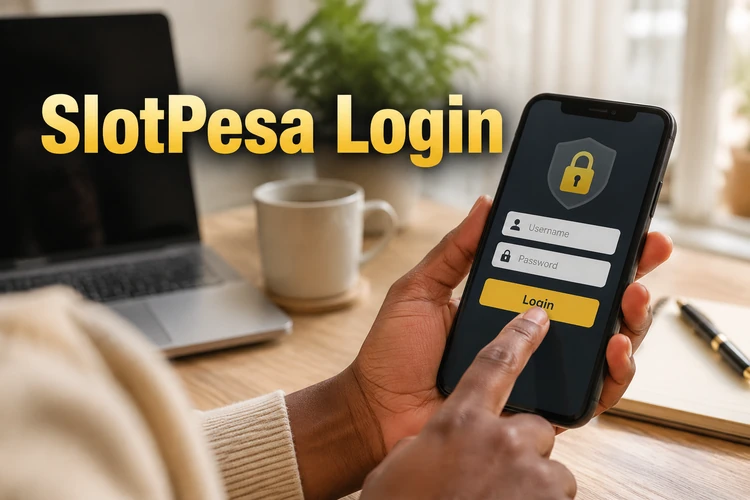
Type the number carefully. The most common failure has nothing to do with the platform - it is a leading zero that was dropped or an extra digit from a different SIM. If the password field shows an eye icon, use it to check what you actually typed before submitting, especially on a small keyboard where autocorrect may capitalise the first character.
- Step 1: Open the site and tap the sign-in button in the header.
- Step 2: Enter your registered phone number.
- Step 3: Enter your password, then confirm.
- Step 4: Check that your balance appears in the header; that confirms the session is active.
If the page reloads and still shows the form, the credentials were rejected rather than lost. Three or four failed attempts in a row can trigger a short cooldown, so wait a minute instead of repeatedly pressing the button. Also check whether Caps Lock or browser autofill has changed the password.
SlotPesa Register
New players need a profile before any of the above applies. Registration is short: a valid Tanzanian mobile number, a password you choose yourself and confirmation that you are of legal age. Some forms ask for your full name and date of birth. Enter them exactly as they appear on the ID document you may later use for verification, because a mismatch can delay a first withdrawal.
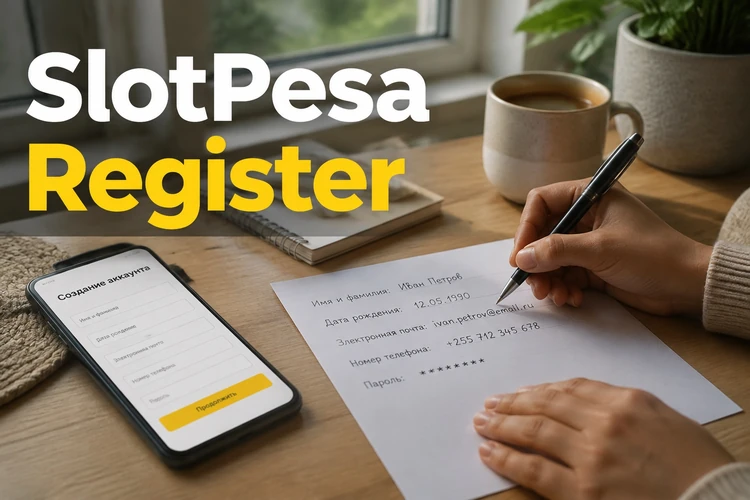
Confirmation normally arrives as a code by SMS. Enter it while the page is still open; if it does not arrive within a couple of minutes, request a resend rather than starting a fresh registration, which could leave a half-finished profile tied to your number. Once the code is accepted, the account is active and you can use the payment options shown in your profile.
Read the terms before ticking the box. They cover bet limits, settlement rules and what happens to a bonus balance if you withdraw early - dull reading, but it is the document support will refer to if a dispute comes up. Details about the platform itself are collected on the about page.
Password Reset
A forgotten password does not lock you out permanently. Use the «Forgot password?» link under the sign-in form, enter the phone number attached to the account and follow the recovery code sent to it. The new password takes effect after confirmation, and other active sessions may be signed out for security.
Choose something at least eight characters long, mixing letters, digits and a symbol, and do not reuse the PIN from your mobile money wallet. If recovery fails because the number is no longer in your hands, the reset form cannot help; that case has to go through support with proof of identity, and you can start it from the contact page.
Changing a password you still remember works from inside your profile settings. It is worth doing after using a shared computer or an internet café connection. Never send a password or one-time SMS code to another person, even if they claim to be helping with account access.
Mobile Login
Most traffic in Tanzania arrives from a phone, and the mobile site carries the same account tools as the desktop version: deposits, withdrawals, bet history, live markets and the casino lobby. The layout simply stacks into a single column and moves the bet slip to a bar at the bottom of the screen.
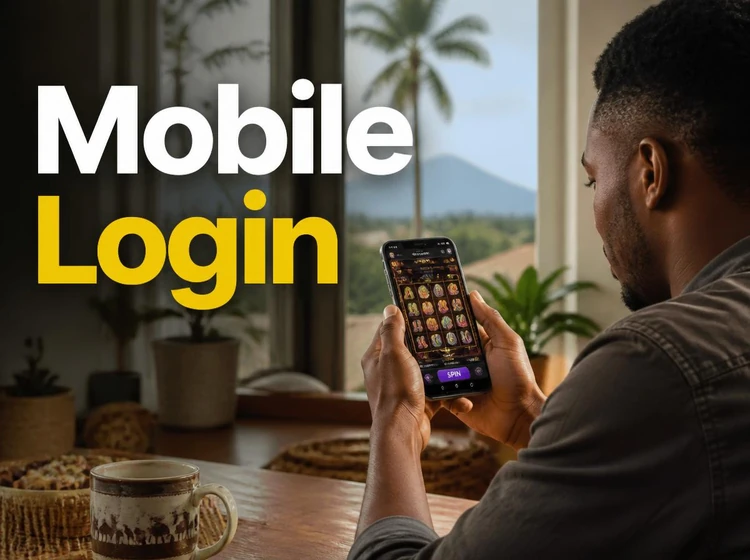
Inside the Android app, the sign-in step is similar, with one practical difference: the app may remember your session, so you can open it without typing credentials again. If your device supports it, fingerprint unlock may replace the password on later openings. Keep the screen lock enabled on the phone itself; an app that stays signed in is only as safe as the handset.
Patchy mobile data is another frequent cause of a failed sign-in. When the network drops mid-request, the form may return an error that has nothing to do with your password. Switch to a stable connection, close other data-heavy apps and try once more. Avoid logging in repeatedly while the result is still loading, as this can create overlapping sessions.
Download the App
The Android build is distributed as an APK file from the official site rather than through the Play Store, which is common for betting apps in the region. Before installing, allow installation from unknown sources in your security settings, then open the downloaded file and confirm. Full instructions and the current file live on the app download page.
Only take the file from the official source. Copies posted on forums or file-sharing sites can be modified to collect login details. Updates are not necessarily automatic: when a new version is released, download and install it over the existing one, checking the file source and requested permissions first. Your account data should remain connected to the profile, but keep your phone number available in case the app requests verification again.
iPhone users can use the mobile browser if no separate iOS app is available. Adding the site to the home screen creates a convenient shortcut without installing an APK. Whether you use a browser or Android app, sign out on a shared device and avoid saving credentials in a public browser.
Betting should stay a form of entertainment with a budget attached. Deposit limits, session reminders and self-exclusion tools are described under responsible gambling, and they are worth setting up on the same day you create the account rather than later. 18+
FAQ
Open the site, tap the sign-in button in the header and enter the phone number registered to your account plus your password. When the session starts, your balance appears in the top bar. The Android app uses the same two details and may keep you signed in afterwards.
Check the phone number format first; a missing or extra leading digit is a common cause. Then retype the password with the visibility icon switched on to rule out autocorrect. If several attempts fail, wait a minute before trying again because repeated failures can trigger a short cooldown.
You need a valid Tanzanian mobile number, a password of your own choosing and confirmation that you are at least 18. After submitting the form, enter the code sent by SMS to activate the profile. Use your real name and date of birth so later verification matches your ID.
Use the «Forgot password?» link under the sign-in form and enter the phone number tied to your account. A recovery code is sent to that number; after confirming it, you can set a new password. For safety, other active sessions may be signed out.
The APK file is published on the official site rather than in the Play Store. Enable installation from unknown sources on your phone, download the file and open it to install. Avoid copies shared on forums, since modified builds can expose your login details.
Yes. The mobile version of the site offers the same deposits, withdrawals, bet history and live markets as the desktop layout. Adding it to your home screen provides an app-like shortcut without an installation step.